
OptiPic AI – Image Optimizer Documentation
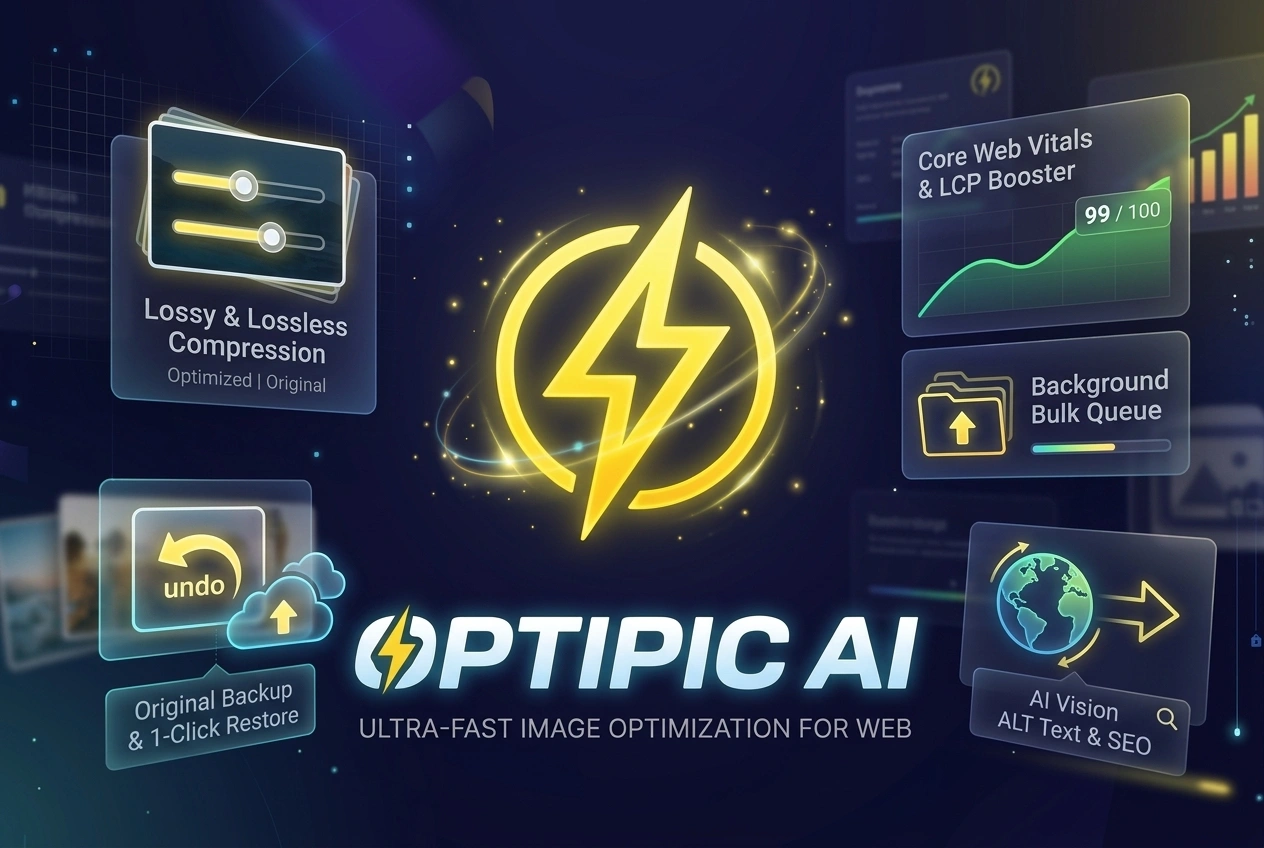
🌟 Overview
OptiPic AI is an all-in-one image optimization and SEO automation plugin for WordPress. It helps site owners slash page load times, improve Google Core Web Vitals (LCP/INP), reduce bandwidth costs, and achieve 100% ADA compliance & image SEO automatically.
- OptiPic AI (Free Edition): Focuses on native image compression, WebP conversion, 100% free Filename-to-ALT text generation, Master Backup & Restore, and spreadsheet-style bulk media editing.
- OptiPic AI Pro: Unlocks multimodal Vision AI scanning (Google Gemini, Anthropic Claude, OpenAI ChatGPT-4o), AVIF conversion, 30+ language translations, custom AI prompt tuning (E-Commerce & ADA modes), and automated background AI bulk queues.
⚖️ Free vs. Pro Feature Comparison Matrix
| Feature | 🆓 Free Edition | 👑 Pro Version |
|---|---|---|
| Plugin Name | OptiPic AI | OptiPic AI Pro |
| Native Lossy & Lossless Compression | ✅ Included | ✅ Included |
| Automatic WebP Conversion | ✅ Included | ✅ Included |
| Master Backup & 1-Click Original Restore | ✅ Included | ✅ Included |
| Filename-to-ALT Text Generator (Token-Free) | ✅ Included (Unlimited) | ✅ Included (Unlimited) |
| Image Inspector & Spreadsheet Bulk Editor | ✅ Included | ✅ Included |
| Asynchronous Bulk Queue | ✅ Compression & Filenames | ✅ Full Engine (Includes Vision AI) |
| AVIF Next-Gen Format Conversion | 🔒 Pro Feature | ✅ Included |
| Vision AI Scanning (Google Gemini AI) | 🔒 Pro Feature | ✅ Included |
| Vision AI Scanning (Anthropic Claude 3.5) | 🔒 Pro Feature | ✅ Included |
| Vision AI Scanning (OpenAI ChatGPT-4o) | 🔒 Pro Feature | ✅ Included |
| Multi-Language AI ALT (30+ Languages) | 🔒 Pro Feature | ✅ Included |
| Custom AI Prompt Tuning (SEO, E-Commerce, ADA) | 🔒 Pro Feature | ✅ Included |
🛠️ Core Feature Breakdown
1. Image Compression Engine (Free & Pro)
- Lossy Compression: Reduces file sizes by up to 70–80% with visually lossless quality (Default JPEG: 82, PNG: 80).
- Glossy Compression: Ideal for photography websites requiring ultra-high visual clarity.
- Lossless Compression: Removes unnecessary EXIF metadata and optimizes image color palettes with zero pixel modification.
- Auto-Resizing: Automatically scales down oversized uploads exceeding maximum width/height limits (e.g.
2048px × 2048px).
2. Next-Gen WebP & AVIF Conversion
- WebP Generation (Free & Pro): Converts uploaded JPEG/PNG images to
.webpformat automatically. - AVIF Generation (Pro Only): Generates
.avifimages for maximum compression efficiency (up to 88% size reduction). - Front-End Delivery: Rewrites standard
<img>tags or serves next-gen formats seamlessly.
3. Master Backup & 1-Click Restore (Free & Pro)
- Failsafe Storage: Uncompressed master copies are safely stored in
/wp-content/uploads/optipic-backups/. - Security Protection: Includes strict
.htaccessrules (Options -Indexes) to prevent public directory listing. - 1-Click Reversion: Revert any optimized image back to its original state from Media Library > Restore Original at any time.
4. Filename-to-ALT Text Engine (Free & Pro)
- Converts raw filenames into human-readable, SEO-friendly ALT tags without API calls or credits:
- Input:
black-leather-office-chair-2026.jpg - Cleaned ALT:
Black Leather Office Chair
- Input:
- Options to strip digits/years and apply Title Case or Sentence case formatting.
5. Image Inspector & Manual Bulk Spreadsheet (Free & Pro)
- Spreadsheet-style table to scan image dimensions, current ALT tags, and titles.
- Instant filter buttons for All Images, Missing ALT Only, and Has ALT Text.
- Live search bar and page size dropdowns (25 to 200 items per page).
- Save changes in bulk with 1 click.
6. Vision AI ALT Text Engine (Pro Only)
- Multimodal computer vision model scanning that reads pixels to describe the image content accurately.
- Supported Providers:
- Google Gemini AI Vision (
gemini-2.0-flash-lite,gemini-2.0-flash,gemini-1.5-pro) - Anthropic Claude 3.5 (
claude-3-5-sonnet,claude-3-5-haiku) - OpenAI ChatGPT-4o (
gpt-4o-mini,gpt-4o)
- Google Gemini AI Vision (
7. Multi-Language AI & Custom Prompts (Pro Only)
- 30+ Output Languages: Generate ALT text natively in English, Spanish, German, French, Italian, Japanese, Chinese, Arabic, Bengali, and more.
- Tone & Style Modes:
- SEO & Keyword Focused: Optimized for search engine indexers.
- Descriptive Context: Rich descriptions for editorial blogs.
- E-Commerce Product Focused: Focuses on commercial product attributes, color, material, and branding.
- ADA Accessibility: Strict screen-reader compliance for visually impaired users.
8. Asynchronous Bulk Queue Engine
- Process hundreds or thousands of Media Library items safely without encountering PHP memory or timeout limits.
- Free Edition: Handles Bulk Compression & Bulk Filename-to-ALT queues.
- Pro Edition: Unlocks the Bulk Vision AI ALT Queue with live console logging.
🚀 Installation & Setup
Free Edition Installation
- Go to WordPress Admin > Plugins > Add New.
- Search for
OptiPic AIor uploadoptipic-ai-free.zip. - Click Install Now and Activate.
- Access settings under WordPress Admin > OptiPic AI.
Pro Version Upgrade & Setup
- Purchase OptiPic AI Pro at store.growthgeeky.com/product/optipic-ai-image-optimizer/.
- Deactivate the Free Edition and upload
optipic-ai-optimizer-seo.zip. - Click Activate Plugin.
- Go to OptiPic AI > Vision AI tab to configure your preferred AI Vision provider.
🔑 API Key Configuration Guide (Pro Version)
Google Gemini AI Setup
- Visit Google AI Studio.
- Click Get API key and create a key in a new or existing project.
- In WordPress admin, go to OptiPic AI > Vision AI.
- Select Google Gemini AI Vision as provider and paste your API key (
AIzaSy...). - Choose your target model (e.g.
Gemini 2.0 Flash Lite).
Anthropic Claude 3.5 Sonnet Setup
- Log in to console.anthropic.com.
- Navigate to API Keys and generate a key starting with
sk-ant-api03-.... - In WordPress admin, select Anthropic Claude AI and paste your key.
- Select
Claude 3.5 Sonnetfor optimal visual accuracy.
OpenAI ChatGPT-4o Vision Setup
- Log in to platform.openai.com.
- Go to API Keys and create a key (
sk-proj-...). - Select OpenAI ChatGPT-4o Vision in OptiPic AI settings and paste your key.
⚙️ System Diagnostics & Compatibility
OptiPic AI includes a built-in health diagnostic module:
- WordPress Version: 6.0 or higher.
- PHP Version: 7.4 – 8.3 supported.
- PHP Extensions:
gd(required) orimagick(recommended). - Directory Write Access:
/wp-content/uploads/optipic-backups/must be writable.
❓ Frequently Asked Questions (FAQ)
Q1: Does OptiPic AI overwrite my original image files?
OptiPic AI optimizes image copies while safely storing full-resolution original master files in a protected backup directory. You can restore any original image with 1 click.
Q2: Is the Filename-to-ALT Text generator free?
Yes! Filename-to-ALT conversion is 100% Free and Unlimited in both Free and Pro editions, requiring zero AI credits.
Q3: Which AI provider is best for Vision AI ALT text?
- Google Gemini (Gemini 2.0 Flash Lite): Extremely fast and cost-effective.
- Anthropic Claude 3.5 Sonnet: Delivers the highest visual precision for intricate image details.
- OpenAI GPT-4o Mini: Great balance of speed and contextual reasoning.
Q4: How do I upgrade from Free to Pro?
Simply download OptiPic AI Pro from store.growthgeeky.com, upload it via Plugins > Add New, and activate it. Your existing compression and filename settings will be preserved automatically.